
With GPT Image 2.5, OpenAI replaces its image model GPT Image 2 and splits it into two variants for the first time. Flare is the fast one, Sunburst the stronger one. The main progress is not prettier pictures but accuracy. What the prompt says comes out that way more often. We explain what the tests show and add three prompt examples that work well on ChatX.
Two variants, one goal
According to OpenAI, Sunburst is its most capable model for image generation and image editing. Flare is the smaller, faster variant and sits roughly at the quality level of GPT Image 2, with a much shorter wait. Both create images from text, edit existing images, handle transparent backgrounds and output up to 3840 pixels on the long edge. The token prices are identical too. So the difference is not in what they can do. Flare is mainly faster, Sunburst is mainly better.
What they share is that people and objects survive an edit. Put a character into another scene or change the perspective and you get the same character back, not a similar one. That was the most common complaint about GPT Image 2.
| Your goal | Variant |
|---|---|
| Produce many drafts or variations quickly | Flare |
| Social media graphics and simple product shots | Flare |
| Short wait matters more than final precision | Flare |
| Maximum quality in the finished image | Sunburst |
| Change existing images in a targeted way | Sunburst |
| Keep faces, products and details intact | Sunburst |
| Complex scenes, layouts, ads, brand material | Sunburst |
| Demanding prompts with few retries | Sunburst |
What independent tests show
A test at MindStudio confirms the literal reading of prompts. A “wine glass filled to the brim” or a clock showing 4:37 comes out correctly, classic tasks that image models fail because they paint the usual thing instead of the described one. On keeping a character consistent across several views, GPT Image 2.5 came out ahead of Nano Banana 2 and Nano Banana Pro.
The weaknesses are named just as clearly:
- Inserted people occasionally look pasted in, with light and shadow that do not match the surroundings.
- Many conditions at once add up to errors. From around five requirements in one prompt, one usually gets dropped.
- Pure aesthetics: if all you want is a pretty mood image, Nano Banana Pro sometimes looks more pleasing. GPT Image 2.5 is the model for accuracy.
How to get the most out of it on ChatX
Both variants are in the image popup on ChatX. “GPT Image 2.5 Flare” is the fast one, “GPT Image 2.5 Sunburst” the precise one. Both create new images and edit uploaded ones, so your choice is about speed or quality, not about the task. Because the token price is the same, Sunburst costs no more than Flare at the same quality level. You can also pick aspect ratio, size, quality (Low, Medium, High), type and transparency. The quality level drives the cost. An image at “High” uses a multiple of the image tokens of “Low”. For drafts and social media graphics, “Low” is almost always enough. “High” only pays off for print or large displays.
Three prompts that make the difference to older models visible:
- A specific time or number: “A station sign reading ‘Platform 7’, below it an analogue clock showing 9:20, cloudy morning, no company logos.” Older models give you 10:10 and invented lettering. GPT Image 2.5 sticks to the instruction.
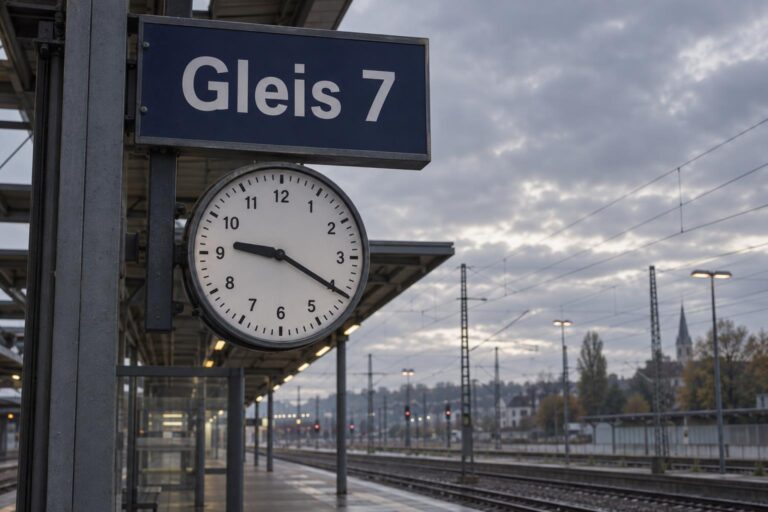 Our result with Sunburst at quality “High”. Sign and time are correct. Without the addition “no company logos”, the model put a railway logo on the clock on the first try.
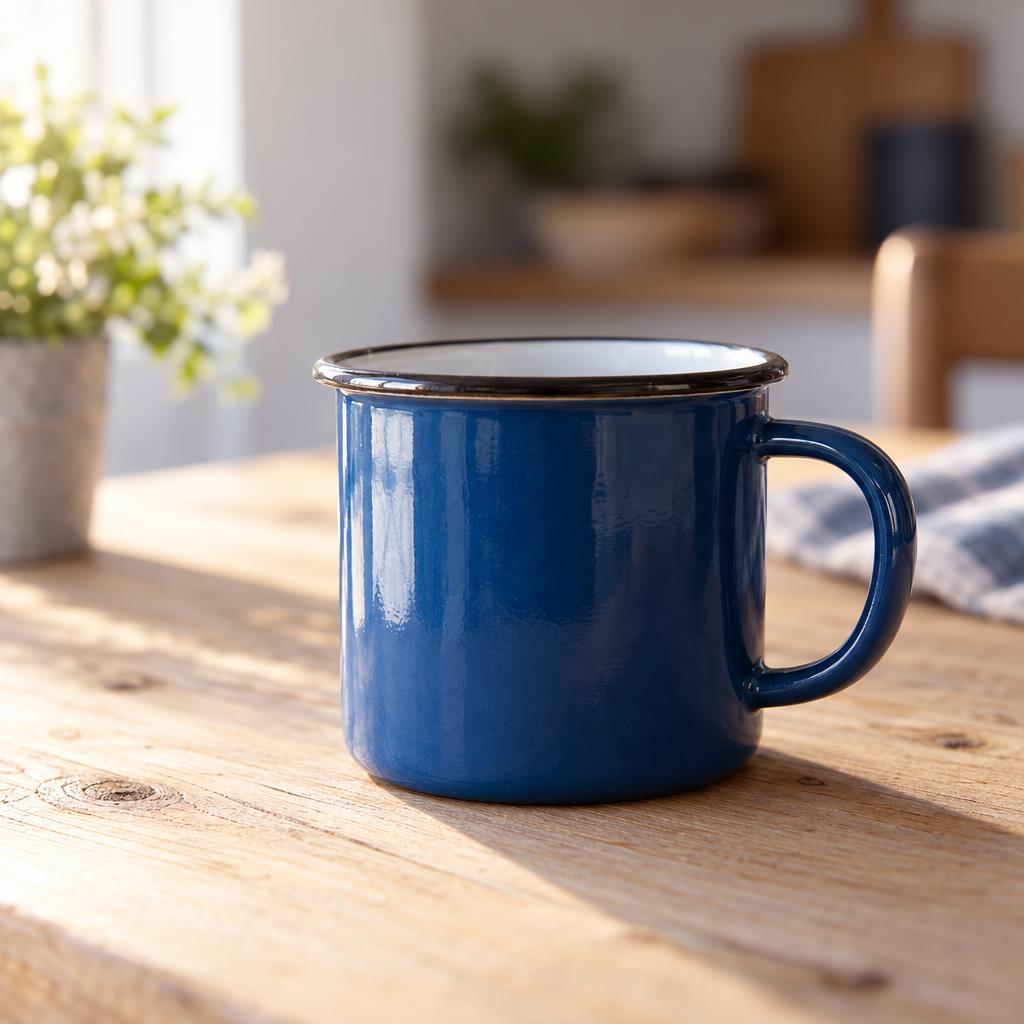
 - A product shot with requirements: “A blue enamel mug on a light wooden table, lit from the left, blurred background, no text, square.” Few, unambiguous conditions keep the result stable.
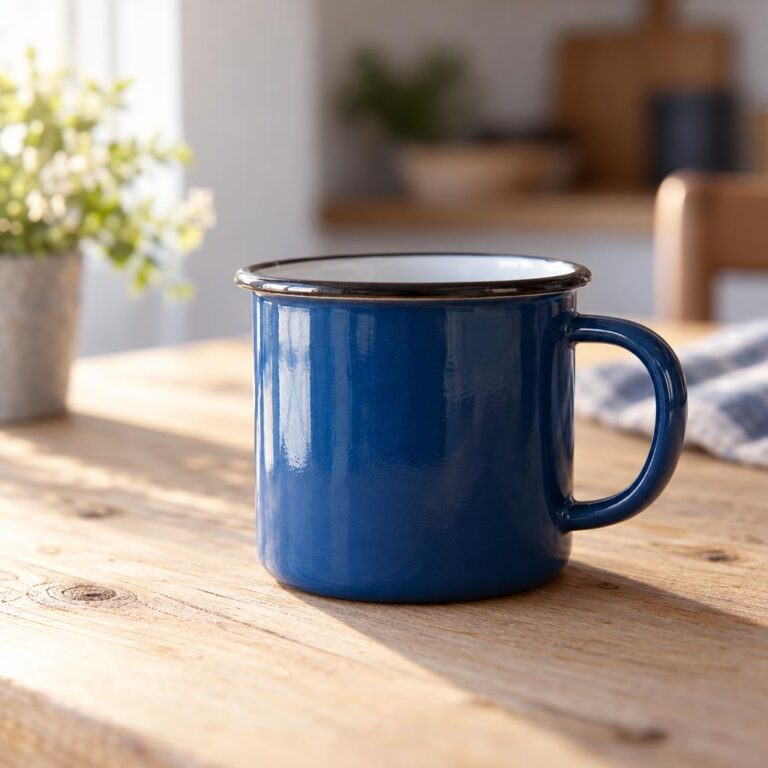 The same approach with the mug prompt. Colour, material, direction of light and blur were all applied.
 - Editing with Sunburst: upload an image and name only the change. “Replace the sky with an evening red, leave everything else unchanged.” The phrase “leave everything else unchanged” stops the model from quietly touching faces or colours.
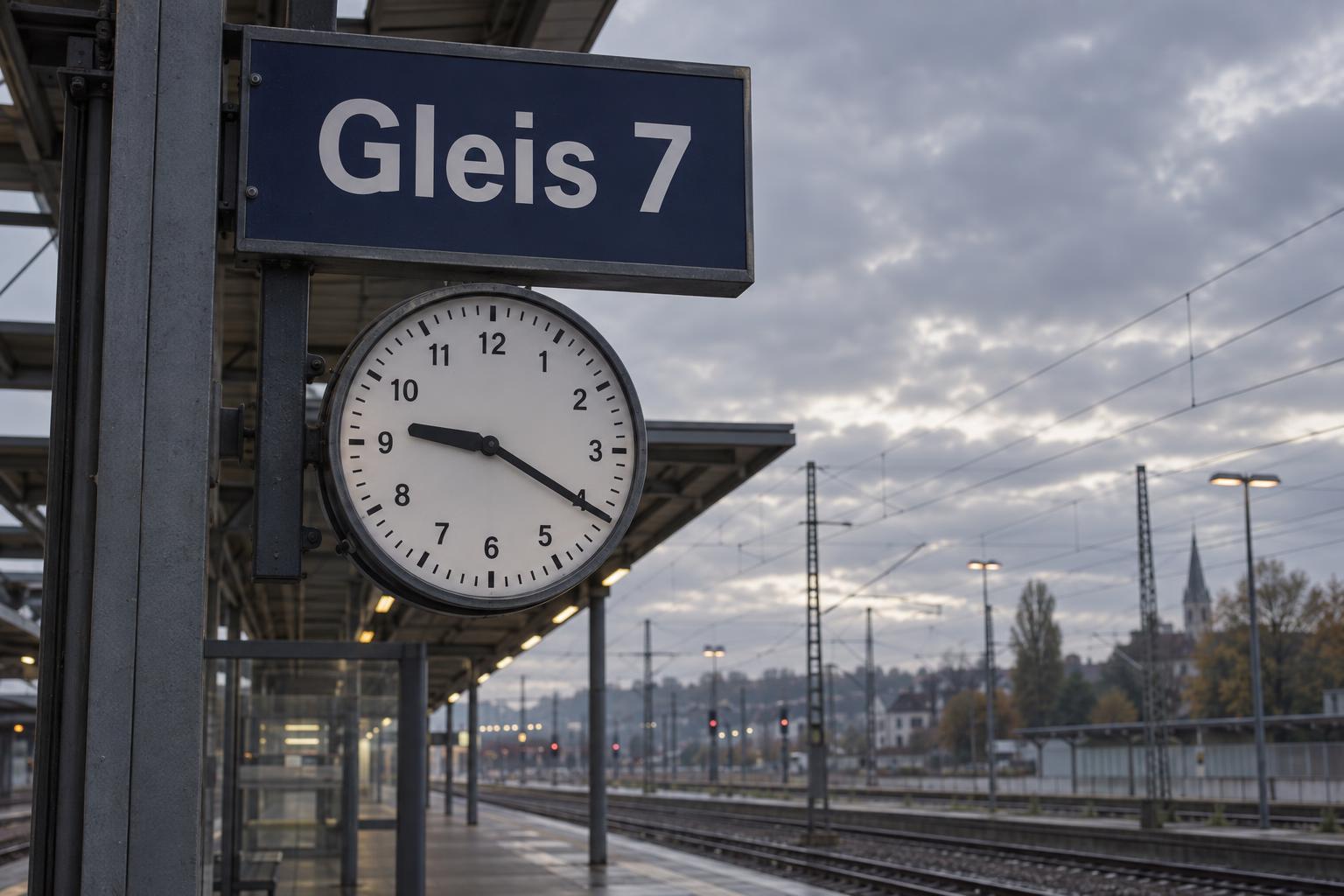
One rule holds for both variants. Keep it short, concrete and in order of importance. Whatever comes first in the prompt is applied most reliably. And if you want to adjust an image several times, correct the good result step by step with Sunburst instead of generating from scratch each time. That saves attempts and tokens.