
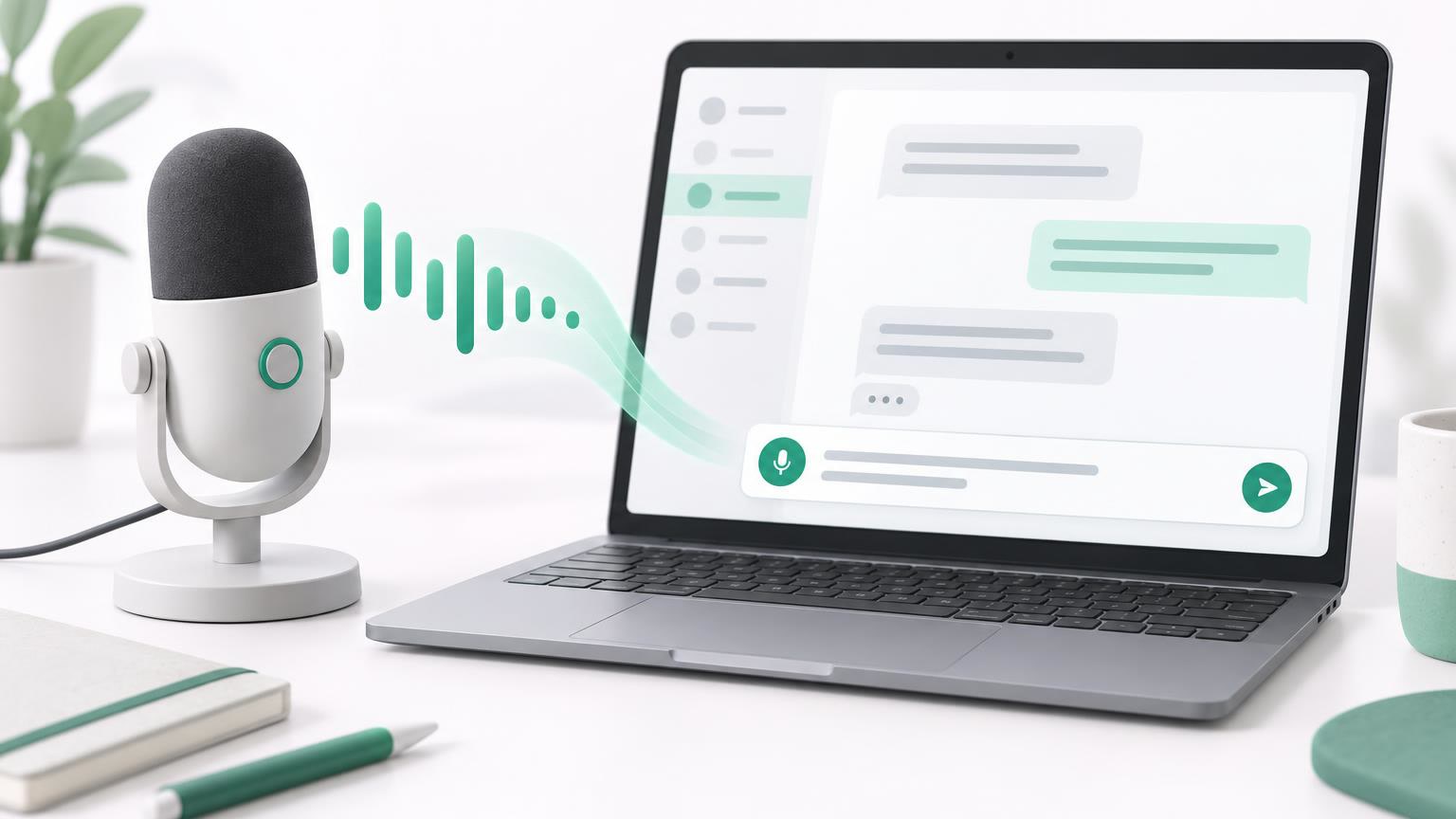
Since 19 November 2026, the microphone in the ChatX input field writes along while you speak. You see each word about half a second after you say it and no longer have to wait for the recording to end. Here is how dictation works, what it costs and how to get clean text.
What has changed with the microphone
Until now, dictation worked in two steps. ChatX recorded until you tapped stop. Only then was the recording converted and the whole text appeared at once. With longer thoughts you were talking into the void for a long time and only found out at the end whether everything came through correctly.
Now the microphone runs on GPT Live Transcribe, a speech recognition model from OpenAI built for spoken language in real time. OpenAI introduced it on 28 July 2026 and reports an error rate of 9.6 percent on real recordings. The older Whisper reaches 15.2 percent in the same benchmark. What that means for you: the text appears live in the input field and you can see right away if a word was misheard.
How to dictate
- Tap the microphone: The icon sits on the right of the input field next to the send button. The first time, your browser asks for permission to use the microphone.
- Wait a moment: The field shows “Connecting …”. As soon as the button pulses red, ChatX is listening. This usually takes about a second.
- Speak: The words appear one after another in the field. The model adds punctuation on its own.
- Send or edit: Press Enter or the send button to end dictation and send the text straight away. If you want to change something first, tap the microphone again and then edit the text as usual.
While the microphone is on, typing in the field is locked. That way dictation and keyboard don’t overwrite each other.
Our test with a spoken paragraph
For the test we played a short German sentence through a simulated microphone (roughly: “Welcome back to my channel! Today I’m showing you three simple tricks that will finally stop your houseplants from dying.”):
Willkommen zurück auf meinem Kanal! Heute zeige ich euch drei einfache Tricks, mit denen eure Zimmerpflanzen endlich nicht mehr eingehen.
Each word showed up in the field about half a second after it was spoken. Even compound words like “Zimmerpflanzen” (German for houseplants) came through correctly. At the end the sentence was error free with full stop and comma, only the exclamation mark turned into a full stop. The recording took about twelve seconds.
Tips for clean dictation
- Only start speaking once the button is red: Anything you say while the connection is being set up won’t come through yet.
- Speak in full sentences: Short pauses between sentences help the model with punctuation.
- Quiet surroundings: A headset or your phone held close to your mouth causes far fewer errors than a laptop microphone across the room.
- Check names and technical terms: Proper names and rare terms are the most common source of errors. Read it over quickly, then send.
What dictation uses up
ChatX bills dictation by duration, not by the number of words.
| Duration | Usage |
|---|---|
| 15 seconds (a short question) | about 950 tokens |
| 1 minute (a longer paragraph) | about 3,800 tokens |
| 10 minutes (maximum length) | about 37,800 tokens |
Silence costs too, as long as the microphone is open. That’s why dictation stops on its own after 20 seconds without speech. So far, a dictation by our users lasts about 18 seconds on average.
Quick answers to common questions
Do I need an account? No. Guests can dictate too, the usage is then deducted from the daily guest credit.
What happens if live dictation doesn’t start? Then ChatX records as before and converts the text after you stop. You don’t need to set anything up for this.
I already have a finished recording. Does that work too? Dictation isn’t meant for that, but there are suitable tools. You can turn voice memos, interviews or lectures into text with Audio transcription. For videos, the Caption Generator creates ready-made SRT or VTT files with timestamps. If the recording is noisy, it helps to remove the background noise first with the Voice Isolator.
Does it work the other way round, from text to speech? Yes. Every answer in the chat can be read aloud via the speaker icon. You can turn longer texts of your own into an MP3 file with Text to speech.
Is this the same as the live conversation? No. With dictation, only your speech becomes text. The live conversation next to the microphone is a conversation with spoken answers from the AI.
Try it right now in the ChatGPT chat on ChatX: tap the microphone, wait until it pulses red and start talking.